
Spacehopper / Venue setup
List your advertising space
Turn space in your café, shop, salon, waiting room or other venue into advertising income.
Listing a vehicle, billboard or something different?- Earn extra incomeMake the most of your space
- Reach local businessesConnect with relevant advertisers
- It’s free to listGet started in minutes
List an advertising space at your venue
Add a counter stand, flyer holder, noticeboard, window, wall display or digital screen.
- Counter stand
- Flyer holder
- Noticeboard
- Window
- Wall display
- Digital screen
Enter your venue details once, then create a separate listing for each advertising spot. A spot can accommodate multiple advertisers where suitable.
Have a different type of advertising space?
For vehicles, billboards, large outdoor walls, fences, event sites or bespoke advertising opportunities, send us a private enquiry.
Enquire about another spaceIdeas for display spaces you could offer
Small Spaces. Real Opportunities.
You may have more advertising space than you think.
You don't need a billboard or a huge empty wall. Some of the most useful local advertising spaces take up very little room.
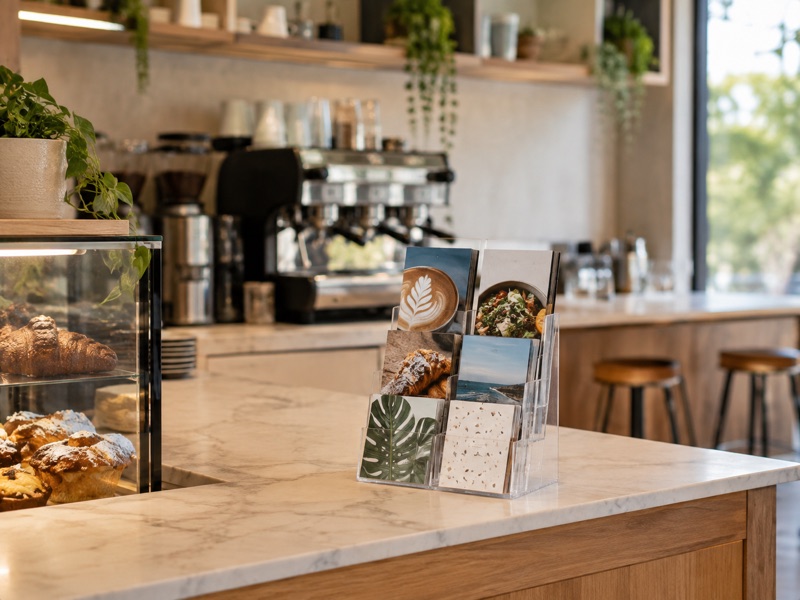
Counter Space
A small brochure or flyer holder beside the till can put a local business in front of your customers.
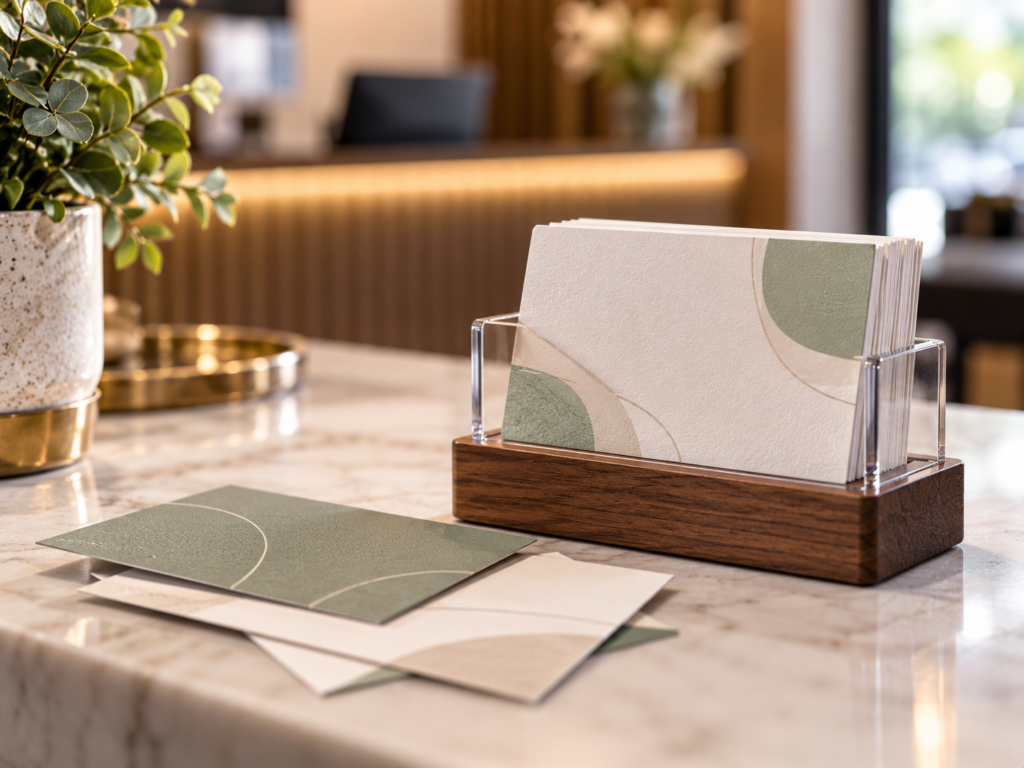
Business Card Holder
A tiny amount of counter or wall space can give local businesses somewhere to leave their cards.
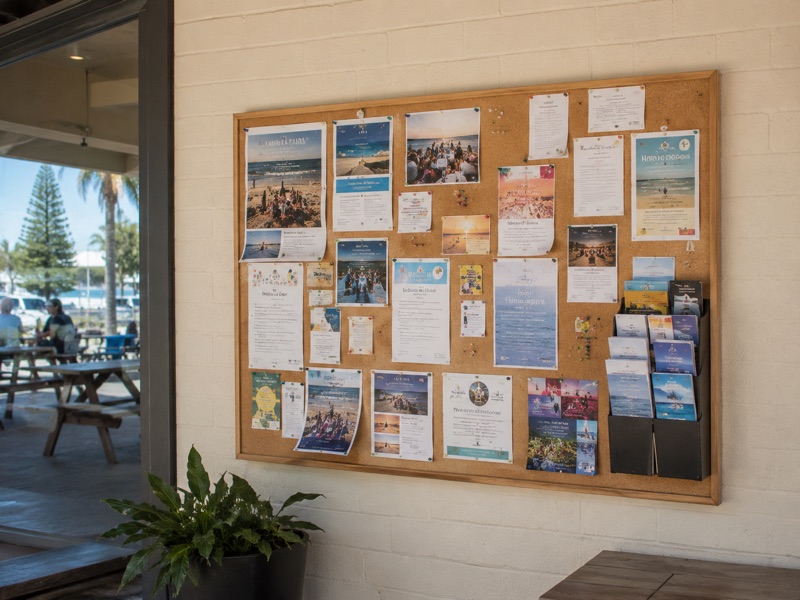
Noticeboard
Set aside part of an existing noticeboard for local services, events and businesses.
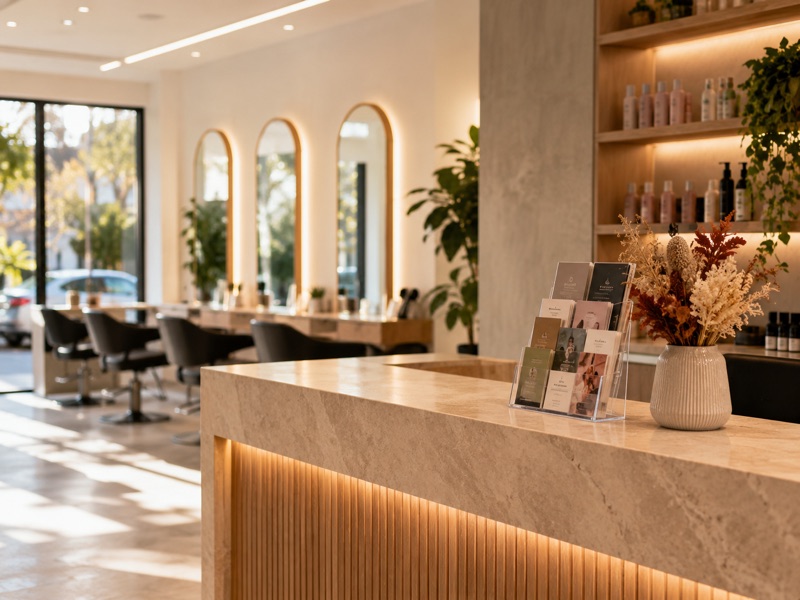
Table Display
Waiting-room tables, reception tables and cafe counters can all become useful display spaces.
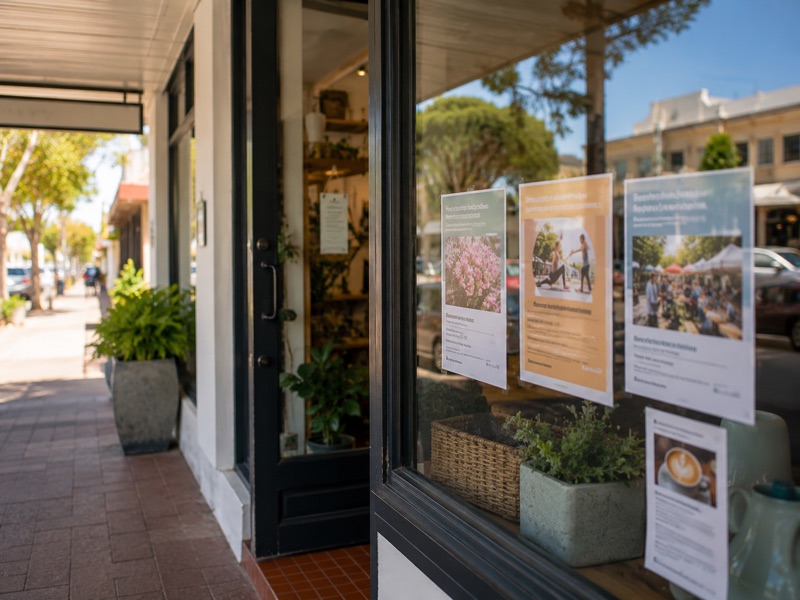
Window Space
An unused section of your shopfront window could display a local poster or promotion.
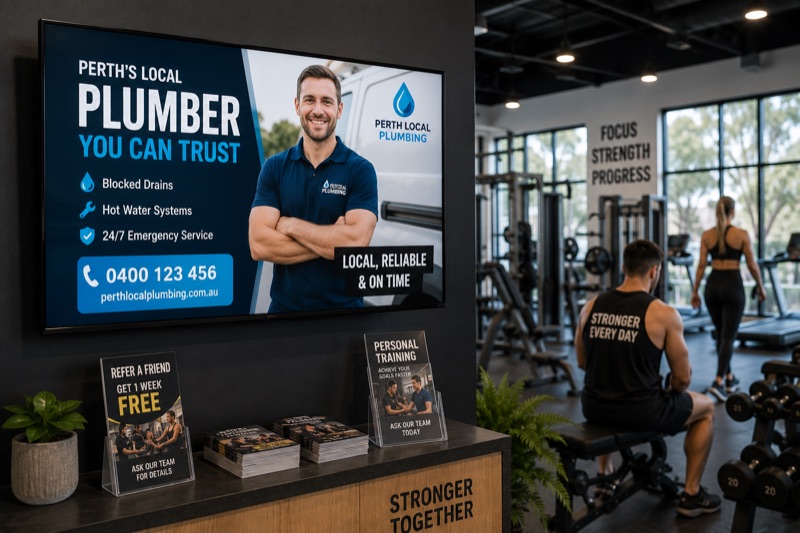
Digital Screen
Have a TV or screen in your gym, salon, cafe or waiting room? You may be able to offer digital advertising space too.